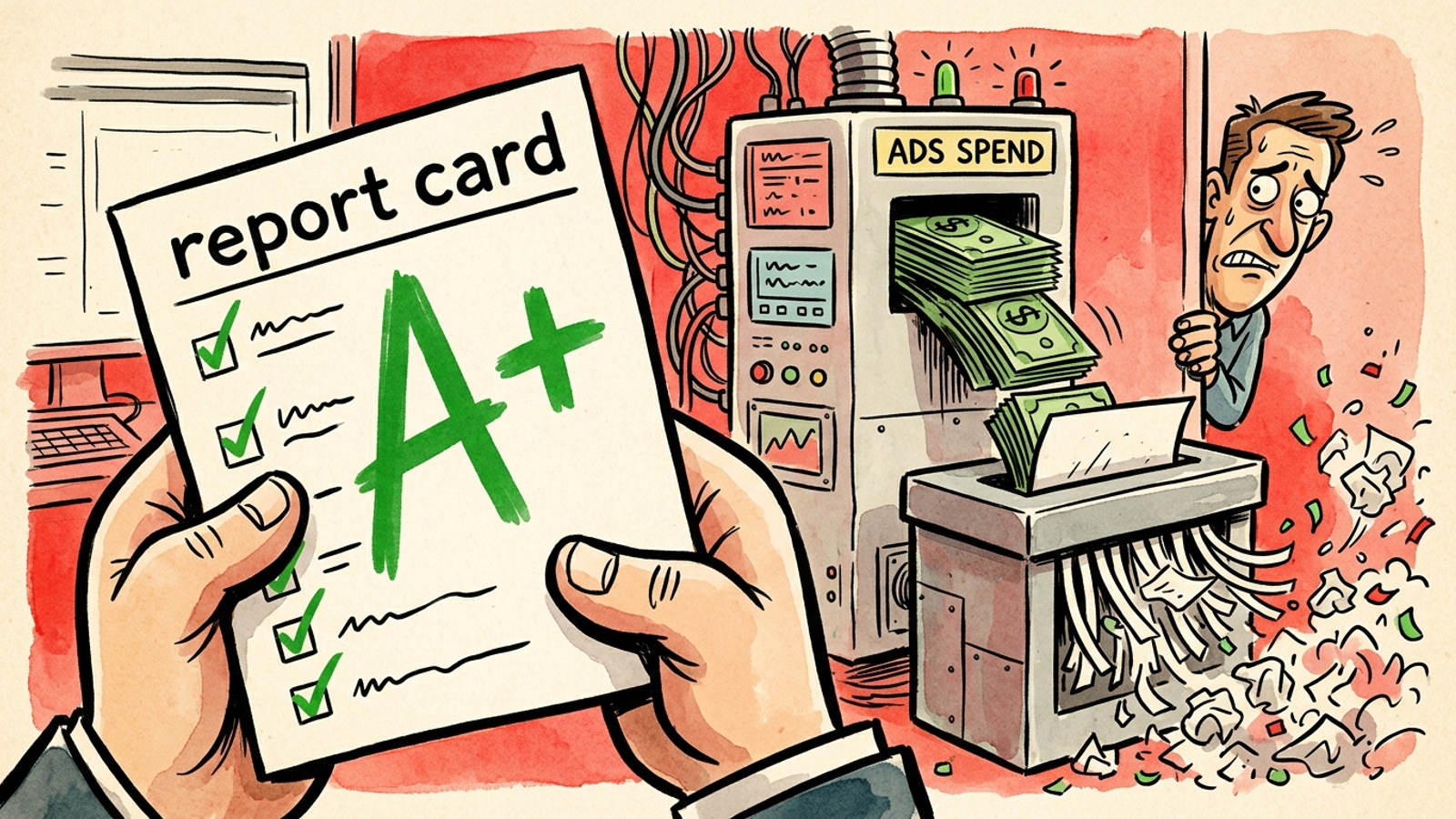
Last Tuesday, a founder sent me a screenshot: 87 out of 100 on a free Google Ads grader. Green checks everywhere. The same account was paying $142 to acquire a customer it could only afford to buy for $95.
I have been on both sides of that screenshot. I used to run these audits for prospects at 1am, hoping a low score would help sell the retainer. Now I read them the other way: the score tells you whether an account is tidy. It tells you almost nothing about whether the account makes money.
That does not make grader tools useless. It just gives them a much smaller job than their PDFs imply. Here is how I use them without letting a green number talk me out of fixing the expensive stuff.
A Grader Scores Hygiene, Not Profit
Think of every free grader as the same inspection checklist wearing a different logo. I have run accounts through WordStream, AdsGrader, and a handful of agency-built clones. They pull from the API and count hygiene:
- Are ad extensions, now called assets, present?
- Is conversion tracking firing at all?
- What is the average Quality Score?
- How many disapproved ads are sitting in the account?
- Is mobile setup complete?
- How much spend appears to hit exact match versus broad-match waste?
That is useful housekeeping. It is also the work I could check in 15 minutes with a filter and a pot of coffee.
Run one on an account spending, say, $20k a month and you will usually get the same pattern: a score in the 70s, a red flag on Quality Score, a lecture about negative keywords, and a suggestion to add three more assets. Follow those suggestions and the score may rise 12 points. CPA may move 2%.
The mechanism matters. Graders measure whether the parts are present, not whether the parts fit the job. An account can have perfect assets, tidy ad groups, and 8/10 Quality Scores while buying entirely the wrong customers.
The Three Blind Spots That Cost Real Money
A grader can identify an empty field. It cannot tell you whether the field contains something useful. That gap shows up in three places.
1. It cannot tell whether a conversion is worth anything
A grader sees that conversion tracking is on. It cannot tell whether that conversion was a $14 ebook download, a spam form fill from a bot in another country, or a closed deal worth $8,000.
I used to tell clients a 5% conversion rate meant the account was healthy. I was wrong. I once managed a home services account with a 9% conversion rate and a 91 grader score where half the calls lasted under 30 seconds and never booked. Google Smart Bidding learned to buy more of those short calls because I told it a call was a call. The score stayed green while CPA on real booked jobs rose 34% in three weeks.
A conversion action is only useful if it represents money or a credible path to it. Everything else is noise the bidding system can optimize toward with remarkable efficiency.
2. It cannot judge whether your budget gives bidding a chance
Graders do not see that your Performance Max campaign may be eating brand search, that you split $150 a day across six campaigns so nothing exits learning, or that your target ROAS is set 40 points too high and throttling volume.
Smart Bidding needs conversion volume to stabilize. If you starve each campaign, it bids cautiously because it has too little signal. Costs rise. You pay more for less.
No free audit I have tested flags that. It counts campaigns; it does not judge whether the budget split lets the math work. The useful benchmark is the 30 conversions Google recommends for stable Smart Bidding, and 50 for Target ROAS.
I ran an over-split structure for a home services client years ago because it looked tidy. Every campaign sat in learning, CPCs drifted up 22%, and the grader still gave me a pat on the back for campaign organization.
If your budget cannot buy enough conversions per campaign, your structure is broken no matter what the score says.
3. It counts negative keywords instead of reading search terms
Graders love to count how many negative keywords you have. They do not read what broad match actually bought last week.
I pulled a search-terms report for a SaaS account that scored 82 and found 31% of spend on queries containing free, job, or template. Broad match expands to anything Google deems related, and Smart Bidding will happily buy it if your conversion action is loose. The result is predictable: you fund clicks that could never become revenue.
A count of negatives cannot catch that. Only reading the queries can.
Practical takeaway: A tidy negative-keyword list is not the same thing as clean traffic.
Snapshot, Inspection, or Someone Actually on Shift?
A grader is a snapshot. A manual audit is an inspection. Autonomous monitoring is a guard on shift.
The grader pulls API data and scores what is countable. A proper manual audit takes me three to four hours on a $20k-a-month account because I need to:
- Read 90 days of search terms.
- Check what conversion actions actually import.
- Map budget against conversion volume by campaign.
- Split brand from non-brand performance.
- Trace a bad week back to the change that caused it.
Autonomous execution handles that third category continuously. It can see a bad search term at 2am, block it, move budget, and log the reason. A human still needs to set direction and guardrails. But the repetitive monitoring should not wait for someone to finish a client call, open a spreadsheet, and remember where the search-terms report lives.

Use each tool for the job it can actually do:
- Run a grader quarterly as a hygiene check, the way you check tire pressure.
- Do a manual audit when CPA moves more than 15% in two weeks or before raising budget by 30% or more.
- Use continuous monitoring when nobody on the team can realistically review search terms every 48 hours.
Most teams cannot do that last one consistently. That gap is where groas runs the account 168 hours a week while a named strategist owns the direction.
Stop asking a free score to do the expensive job.
Fix These Five Things Before You Touch Ad Assets
Forget the order the grader gives you. It sorts by what is easy to count. I sort by what moves CPA fastest.
I have used this sequence on accounts from $5k a month to $80k a month. The first two steps usually account for most of the improvement. Do them in order. Fixing ad assets before fixing tracking is just polishing a compass that points south.
-
Fix what counts as a conversion. Open Conversions and check every primary action. Demote anything that is not money: page views, time on site, newsletter signups that never buy. For lead gen, import qualified calls or booked jobs only. For ecommerce, pass value, not just order count.
-
Read 30 days of search terms. Sort by cost. Kill anything containing free, job, DIY, or competitor names you cannot win, then add it as a negative. If more than 20% of spend is junk, pause broad match until tracking is clean.
-
Consolidate budget so campaigns can learn. One campaign with 30 conversions beats four campaigns with seven each. If you have campaign fragments that cannot generate enough signal, combine them before increasing spend.
-
Contain Performance Max. Add brand exclusions to PMax, keep a separate brand-search campaign, then check Insights for cannibalization. Brand conversions can make a weak prospecting setup look much healthier than it is.
-
Do hygiene last. Add missing assets, fix disapprovals, and merge tiny ad groups. That may lift Quality Score a point or two and help CPC by roughly 5% to 10%. It never saves a broken account.

The score is not your fix list. It is a reminder to open the account and make one.
Why a 90+ Score Can Still Lose Money
I audited an ecommerce account last year that scored 92. The owner framed the PDF like a diploma.
When I split brand from non-brand, the story flipped. Brand search drove 61% of conversions at an $11 CPA. Non-brand prospecting ran at a $68 CPA against a $45 breakeven. The grader averaged them together and called the account healthy. The bank account disagreed.
The cause was not mysterious. The score rewards tidy assets and high Quality Scores, and brand terms tend to have both. The blended number then hides the part of the account that actually needs to grow.
Lead gen breaks in the same way. A 90+ account can count every form fill as equal, let Smart Bidding chase the cheapest fills, and flood sales with unqualified calls. Cost per lead drops 18%. Cost per booked job climbs 27%.
I know because I built that exact failure for a client in 2019 and defended it with the score.
If your grader does not split brand from non-brand, and qualified from unqualified, treat any score above 90 as unproven. Segment before you celebrate.
The 20-Minute Check I Use Instead of Chasing 95
I run the free score first. Then I ignore the order it suggests.
Download the report and do these three checks:
- Confirm that one primary conversion equals money. A booked job, qualified pipeline, or purchase with value. Not a page view wearing a tiny fake mustache.
- Pull 30 days of search terms sorted by cost. Mark every query that could never buy.
- Split brand from non-brand. Check CPA on each side against breakeven.
That 20-minute pass tells me more than the score ever will. If those three areas are clean, then I let myself care about grader red flags.
What I deliberately ignore until later: average Quality Score, ad-strength labels, and impression-share warnings. Those are diagnostic hints, not verdicts. Google itself frames Quality Score as a diagnostic for ads, landing pages, and keywords, not a profit metric.
I have seen 5/10 keywords print money because intent was perfect. I have seen 9/10 keywords lose money because they bought researchers.
Fix the money math first. Polish the score second.
The Monday Routine That Beats a Better PDF
I no longer try to get the score to 95. Every Monday, I run a 20-minute routine that has lowered CPA more often than any grader tip:
- Open search terms for the last 14 days, sort by cost, and block the junk.
- Check conversions per campaign for the last 30 days and consolidate anything that lacks enough volume to learn.
- Split brand and non-brand, then move 10% to 20% of budget from the overfed side to the starved side.
The mechanism is simple: clean signals and sufficient volume let the algorithm bid with more confidence. The result, on accounts I used to manage, was often a 15% to 25% drop in CPA on real jobs or real orders within three weeks.
Keep the grader PDF if it makes your boss feel better. Judge the account on two numbers and nothing else:
- CPA on non-brand prospecting against breakeven
- The share of conversions that becomes qualified pipeline or profit
If those two numbers are healthy, an 82 is fine. If they are not, a 92 is a lie.
That is why I stopped selling monthly audits and started pointing people toward continuous execution. Machines check search terms at 2am. Humans check them when they get around to it. If you want to see what that difference looks like inside your own account, apply for a free trial and let groas read the queries, the tracking, and the budget split for you. No score. Just what is wasting money and what to fix first.